Installation
Instalación y primeros pasos en FiveM.
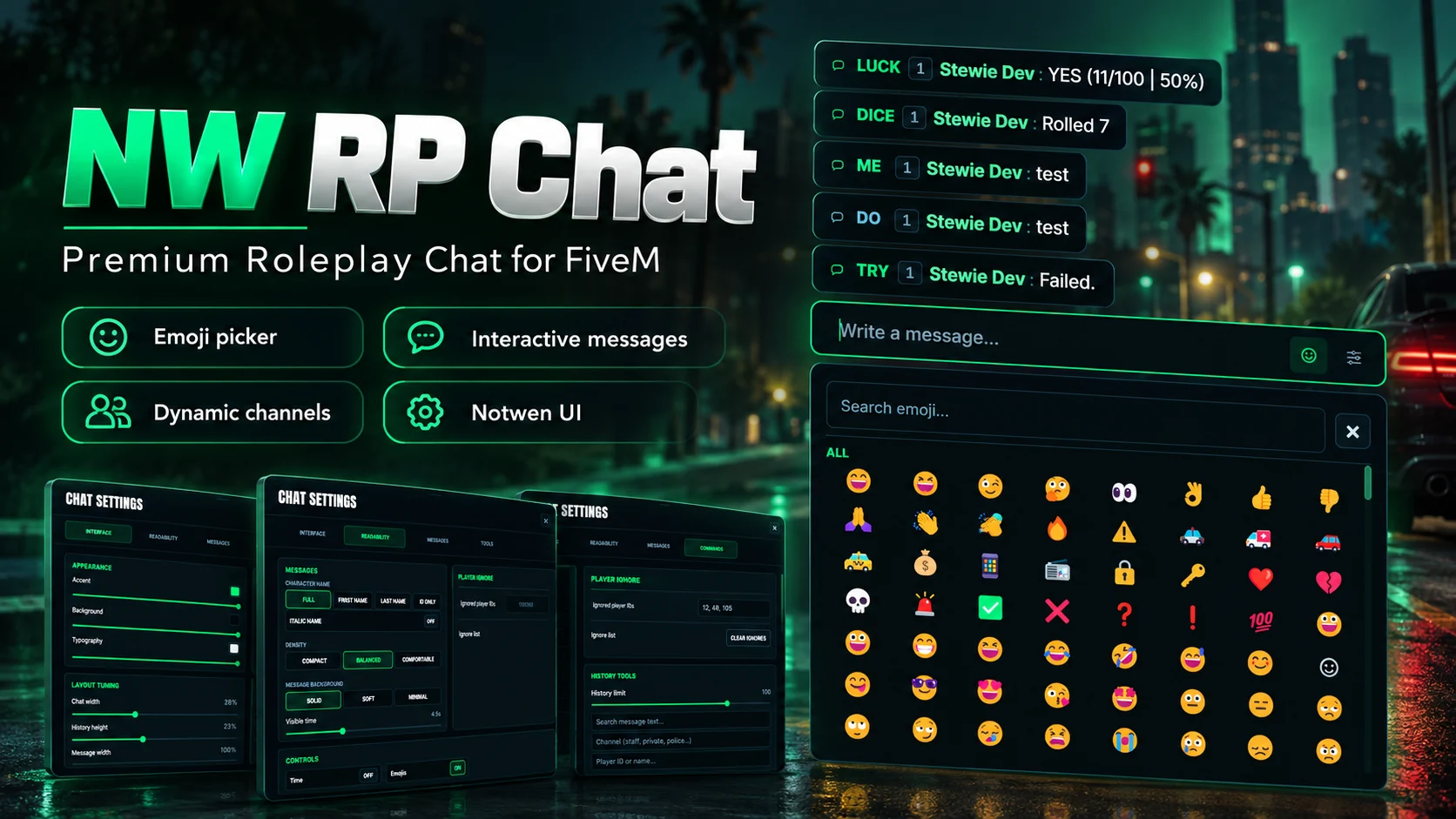 Ver demo interactiva ↗
Follow these steps before your first server restart. The resource folder must be named exactly nw_rpchat.
1. Receive the asset
Purchase NW RP Chat through the linked Tebex package and access the resource through the entitled Cfx.re account. Download the supplied asset files and keep the protected distribution files intact. If access fails, verify the server license belongs to an account with the entitlement.
2. Extract the folder
Put nw_rpchat in your server's resources directory, for example resources/[notwen]/nw_rpchat/. fxmanifest.lua must be directly inside this folder, not one level deeper. Do not rename nw_rpchat.
3. Stop competing chat resources
Remove ensure chat, ensure qb-chat, ensure esx_rpchat, ensure qbx_chat and older not_rpchat start lines (including chat resources started by folder groups). The shipped replacement config can stop standard chat resources automatically, but you should still clean up your boot order.
4. Set framework, language and staff permissions
Open config/config.lua. Config.Framework='auto' normally detects Qbox, QBCore, ESX or standalone. You can choose one explicitly. Config.Locale='en' or 'es'; review Config.Staff ACE/groups and Config.Jobs before allowing restricted commands. Additional language strings live in locales/.
5. Start in server.cfg
# Start the framework first if your server uses one.
ensure es_extended
# Optional: ensure nw_notify
ensure nw_rpchat
Important: do not use ensure es_extended on a QBCore/Qbox server merely because it appears in this sample. Start your actual framework and dependencies before NW RP Chat. Do not paste credentials or Cfx license keys into public help tickets.
6. Confirm in FiveM
- Start the server. Look for errors in server console/txAdmin and F8.
- Press T to open. Enter sends; Shift+Enter creates a new line; Escape closes; Up/Down navigate input history.
- Test a normal message,
/me,/do,/wand/swith two players, both in range and out of range, and different routing buckets. - Run
/nwchatsettingsto open/close settings and confirm player input/mouse focus returns to GTA. - As authorized staff run
/chatcheckand try a moderation command; test private/msg <id>and/ron a second player.
7. After installing
Optional job/EMS/mechanic channel templates in Config.Channels start disabled. Enable and configure their jobs, commands and recipient scopes before use. Set webhook/voice secrets only in server configuration.
Updates
Back up config/, custom/, locales/ and edited bridge/integration files. Stop nw_rpchat, replace application files, merge user edits rather than overwriting them, and restart. Re-run the steps above. Keep the entire new HTML/NUI asset group together.
Nota en español: el archivo fxmanifest.lua de la copia de referencia examinada declara 1.0.0, mientras Config.Product.version, el HTML y el historial de cambios indican 1.0.1. Confirma la versión entregada en tu descarga Cfx antes de comunicarla como verificada; este desfase no requiere cambiar tu instalación.