NW RP Chat 1.0.1
Troubleshooting
Soluciones a los problemas más habituales.
FiveM / CFXESX · QBCore · QboxStandalone bridge
 Ver demo interactiva ↗
First start
- Confirm the folder is
nw_rpchatand containsfxmanifest.luadirectly. Start the selected framework before the chat. - Check the server and client F8 consoles for errors. Press T and send plain text,
/me,/doand a private message to another connected player. - As authorized staff, run
/chatcheckto confirm the framework. Test staff chat and one moderation command with a second player. - Open
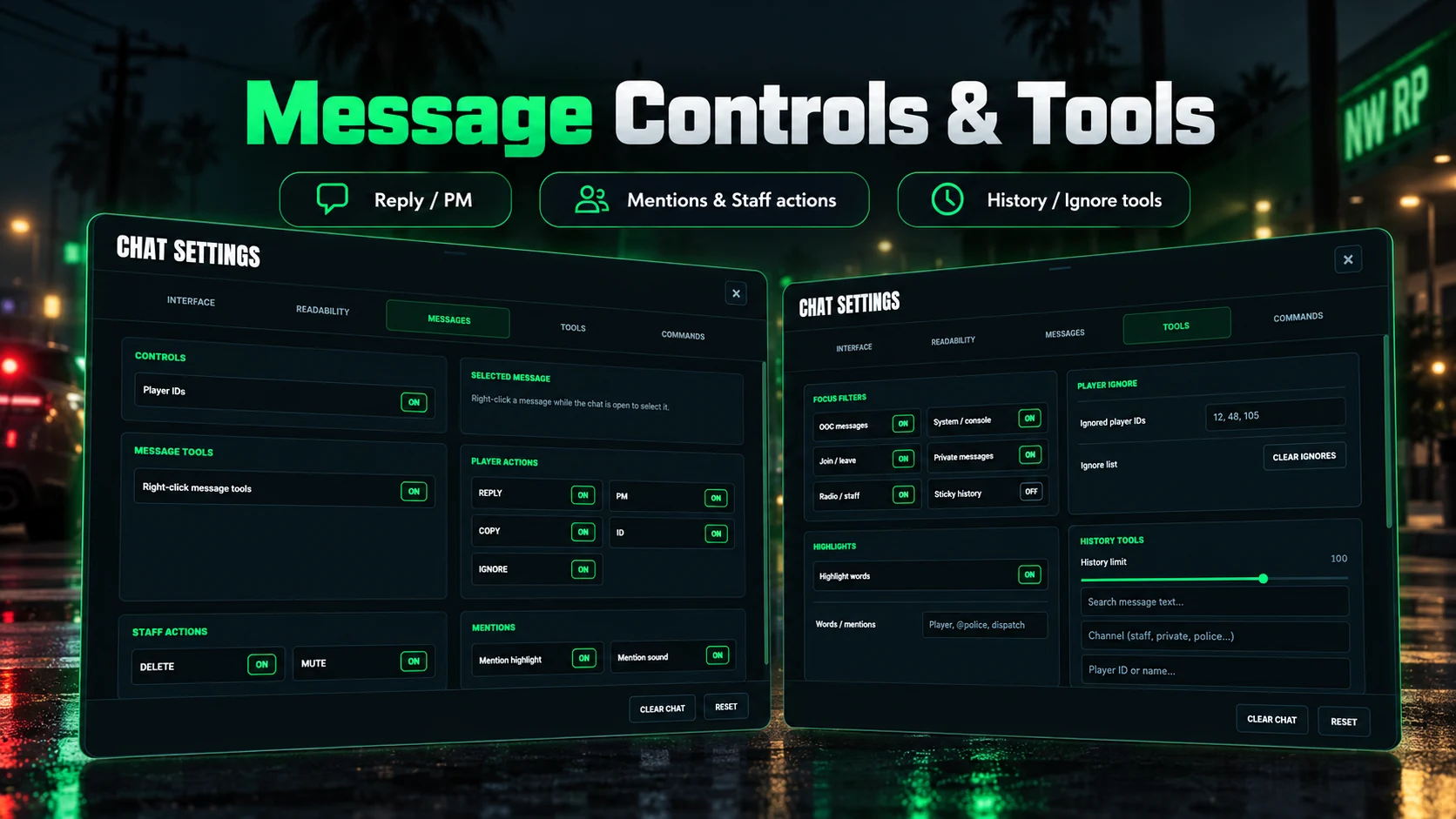
/nwchatsettings, change a font or position, close and reopen it. The game should stay visible around the panels. - Test the optional notification adapter and channels you enable. Check local delivery with another player inside and outside the configured distance and routing bucket.
Common issues
| Symptom | Check |
|---|---|
| Two chat windows or duplicate commands | Remove startup of other chats, including those started by a whole resource folder. Stop the older not_rpchat version. Review Config.ChatReplacement.conflictingResources. |
| Wrong framework or missing names/jobs | Run /chatcheck as staff, check startup order and configure aliases or an explicit framework. A renamed framework needs a matching alias. |
| Staff commands are denied | Review Config.Staff.mode, ACE objects or framework groups. auto/both accept ACE or framework access. |
| Other players cannot read a message | Check proximity, routing bucket, ignore/filter settings, channel access and duty. Normal chat is local by default. |
| A job channel is missing | Its sample entry starts disabled. Enable it, match job names/duty and use authorized recipients. Refresh permissions after custom job changes. |
| Notifications do not use NW Notify | Auto mode tries custom and framework adapters first. Start NW Notify before the chat and select its mode explicitly if desired. |
| A setting or hook change has no effect | Restart after editing Lua settings/hooks. Player preferences can override browser defaults. |
| Chat looks wrong after an update | Replace complete application files, keep the fonts and merge configuration. The settings panel's reset discards saved interface preferences. |
| A black page obscures the game | Restore supplied html/nw-theme.css and html/notwen.css. Root html/body must stay transparent and its color scheme must stay normal. Check extra NUI styles added by your server. |
| Temporary channels disappeared | They are stored in memory. Re-create them and their members from the owning integration after a restart. |
You lack the required entitlement |
Check that the server license belongs to the Cfx.re account entitled to the asset. Keep the files supplied by Asset Escrow. |
Updating
Back up config/, locales/, custom/ and edited adapters. Stop the chat, replace application files, merge configuration changes and start it again. Test your framework and enabled integrations after each update.
Support information
Use the support channel supplied with your purchase. Include the version, framework/resource names, steps to reproduce, relevant server/F8 errors and a screenshot for visual issues. /chatcheck provides detection information. Remove webhook URLs, API keys and player private messages from material you share.